Components
Define what your backend can do. Connect payments, databases, messaging, storage, and APIs. Configure how they run in development, staging, and production.
Built for you. Ready for your agents.
Your agents can write the code. Give them a backend they can actually work with.
AI is making software faster to build than ever. But every new feature still depends on real systems: payments, databases, messaging, storage, APIs. Agents can generate the application code. They still have to invent, or reverse-engineer, how your backend actually works.
That is the bottleneck. Making the backend legible enough to build on.
Ductape makes your backend components legible, composable, and executable. You define them once. You and your agents reuse them everywhere.
 Charge paymentStripe01
 Update inventoryPostgreSQL02Create orderPostgreSQL03StripePostgreSQL
 MongoDB
 AWS
AWS Google Cloud
The problem
A payment provider can charge or refund. A database can update an order. A messaging service can notify a customer. Each capability has configuration, credentials, environments, actions, and failure modes.
Today that knowledge lives in SDKs, env files, application code, and the heads of the people who wired it up. Agents cannot see it cleanly. Teams re-implement it. Every new feature risks becoming another one-off integration.
Ductape turns those capabilities into components: self-contained units that carry their own context.
You define the component. Ductape provides the context and execution layer around it.
How it works
Define your backend once. Compose it into features.
Run it with a shared runtime.
Define what your backend can do. Connect payments, databases, messaging, storage, and APIs. Configure how they run in development, staging, and production.
Compose those actions into business logic.
chargeStripeupdateInventoryPostgreSQLcreateOrderPostgreSQLsendConfirmationMessagingExecution, with context
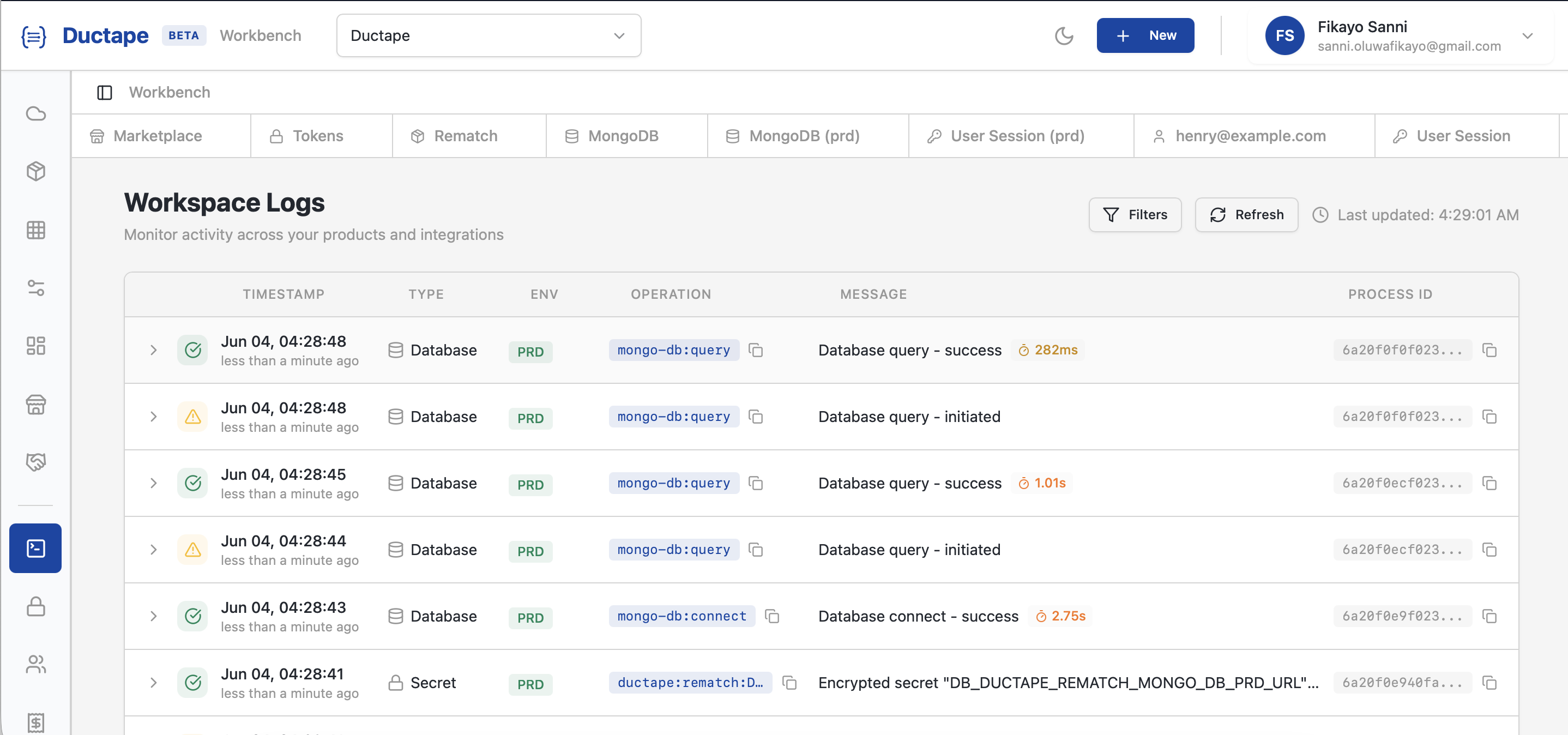
Features run through a shared runtime: retries, timeouts, error handling, logs, metrics, and tracing. See what exists, what uses it, and what actually happened when it ran.
When something breaks, you see the path.
Why this matters now
An API key is not context. Agents need to know which actions exist, how they are configured, which environment they target, what they expect, and how they fail. Ductape makes that structure discoverable and usable.
As agents write more of the application, someone still has to operate the system. Reusable components and shared execution visibility keep the backend understandable while the volume of code goes up.

Checkout, refunds, and reconciliation should not each re-solve payments and data access. Define the capability once. Compose it many times. Keep provider configuration with the component.
The difference
| Without Ductape | With Ductape |
|---|---|
| Agents generate the same integration code again | Agents work against defined capabilities |
| Config and credentials scattered across projects | Components own their config and environments |
| Retries, logging, and errors reimplemented | Runtime handles execution and observability |
| Hard to see what already exists | Shared map of components, features, and runs |
| Backend gets harder to understand as it grows | A reusable foundation for the next feature |
Build on what exists
Every component you define becomes something your team and your agents can use again. Every feature draws from that foundation.
Build on what exists. Stop reinventing the backend.